

Hello, thanks for being part of our Claude Code Masterclass community. We are now headed to 20k members — I am eternally grateful for every one of you!
I have updated the quick updates to be Last Week in Claude Code so that I can write a summary of updates once a week.
This conforms to our original content structure, as I shared in the Claude Code Masterclass Introduction.
In this series, I will be sharing the Claude Code updates from the previous week in a quick summary after I have tested and documented them.
The goal is to save your time and help you learn new Claude Code updates faster.
This is the first issue #1 in the Last Week In Claude Code series —/simplify, /batch, auto-memory, and /remote-control
Quick Note: I apologize for taking longer to release the Hooks Masterclass. As you may already know, testing and creating comprehensive content takes a lot of time, especially for hooks.
The Claude Code Hooks masterclass is ready for release later this week, and I can guarantee you will like it — it covers everything you need to learn about hooks with practical examples, packed in one issue.
I’m also slightly behind the publishing calendar, but I am doing my best to keep up with the pace at which things are changing.
What Happened Last Week In Claude Code?
#1) /simplify & /batch — Code Reviews Just Got 10x Faster
Version: 2.1.63
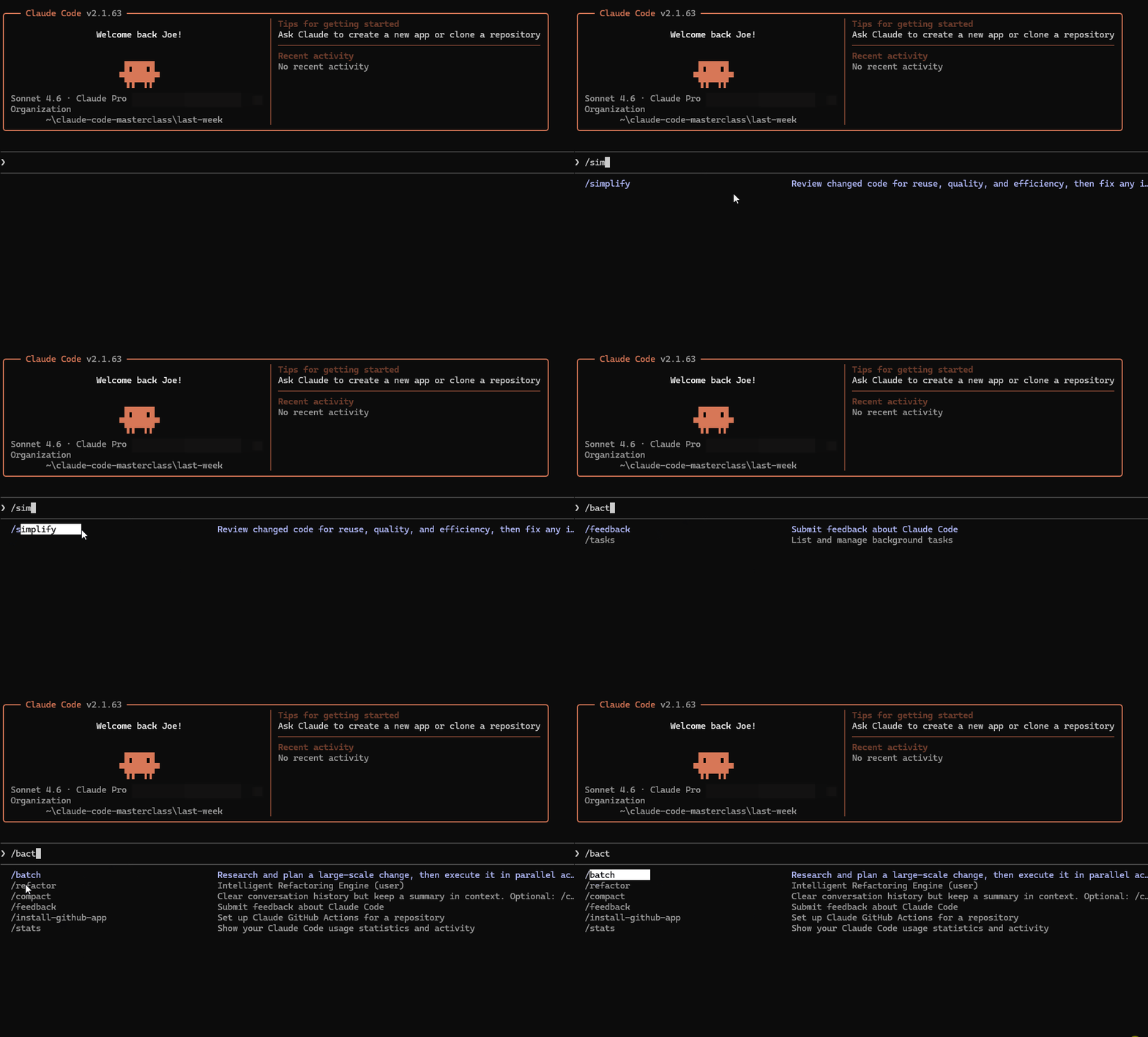
Claude Code introduced two commands to simplify code reviews - /simplify and /batch
/simplify — Automated Code Quality Pass
Spins up parallel agents that review your code against your CLAUDE.md standards and fix issues automatically.
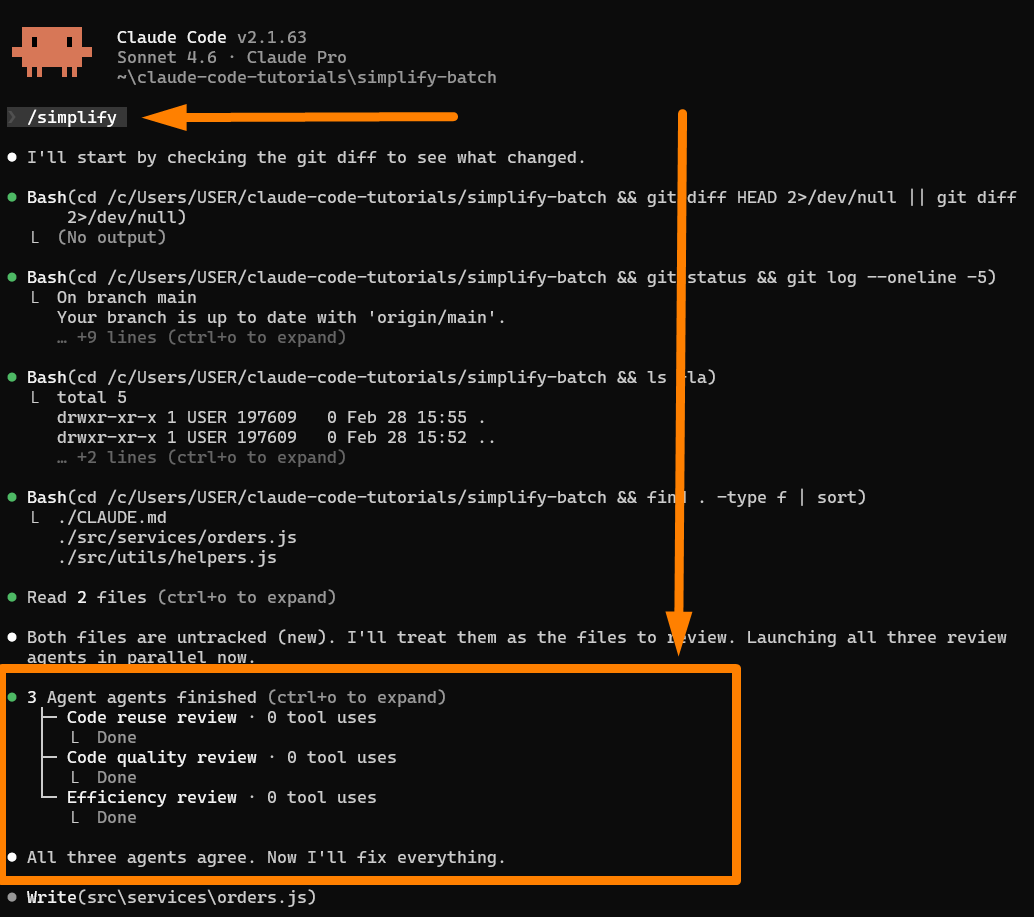
What it catches:
Dead code and commented-out blocks
Inefficient patterns and code smells
CLAUDE.md rule violations
Duplicate logic across files
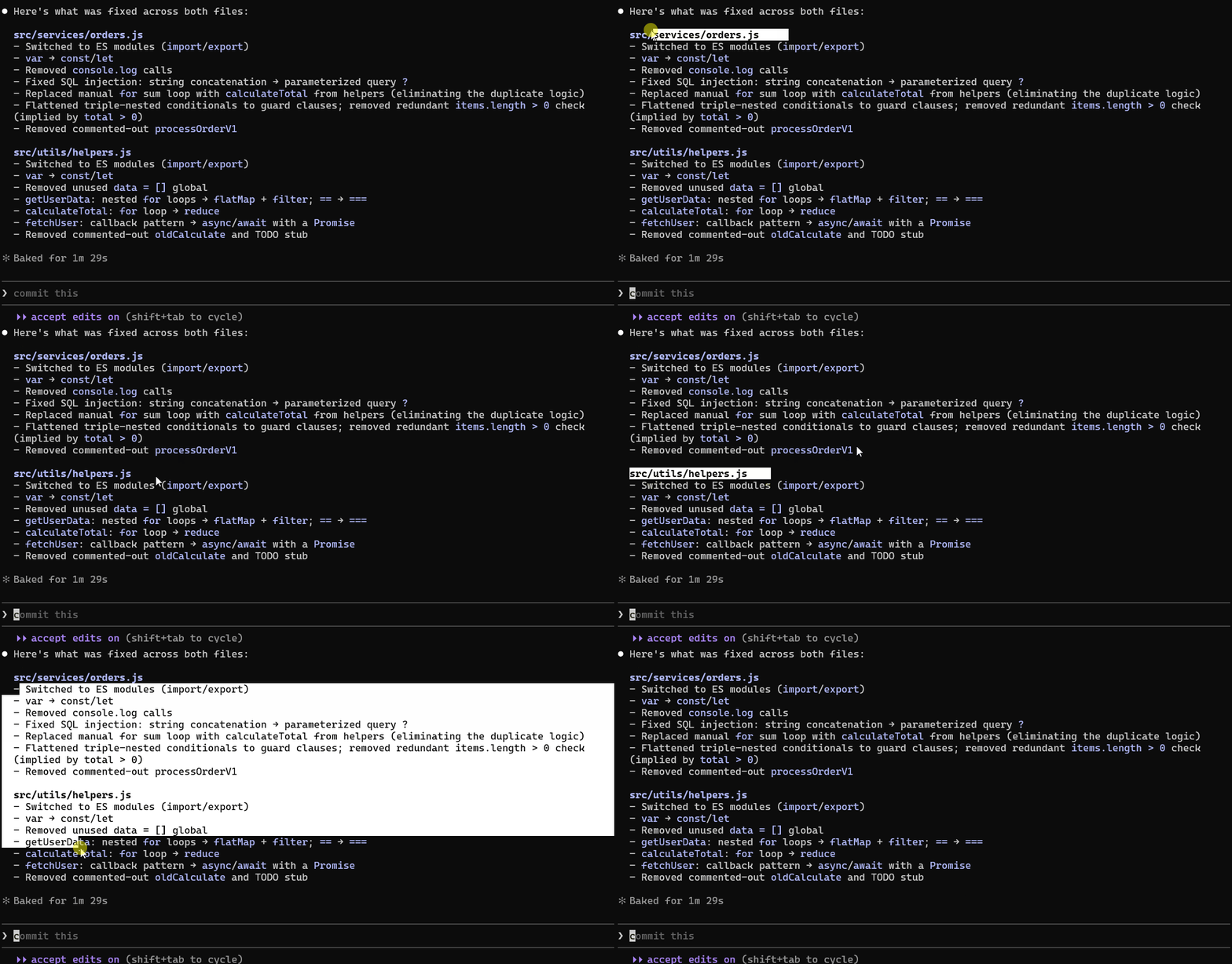
My test: 69 lines of messy code → 33 clean lines in 1 minute 29 seconds
/batch — Parallel Migration Engine
Plans and executes large-scale migrations using isolated agents in git worktrees.
/batch migrate src/ from Jest to Vitest
/batch migrate src/ from CommonJS to ES modules
How it works:
Scans your directory and creates a migration plan
Shows you exactly what will change before touching code
Spins up isolated agents per folder
Each agent tests its work before opening a PR
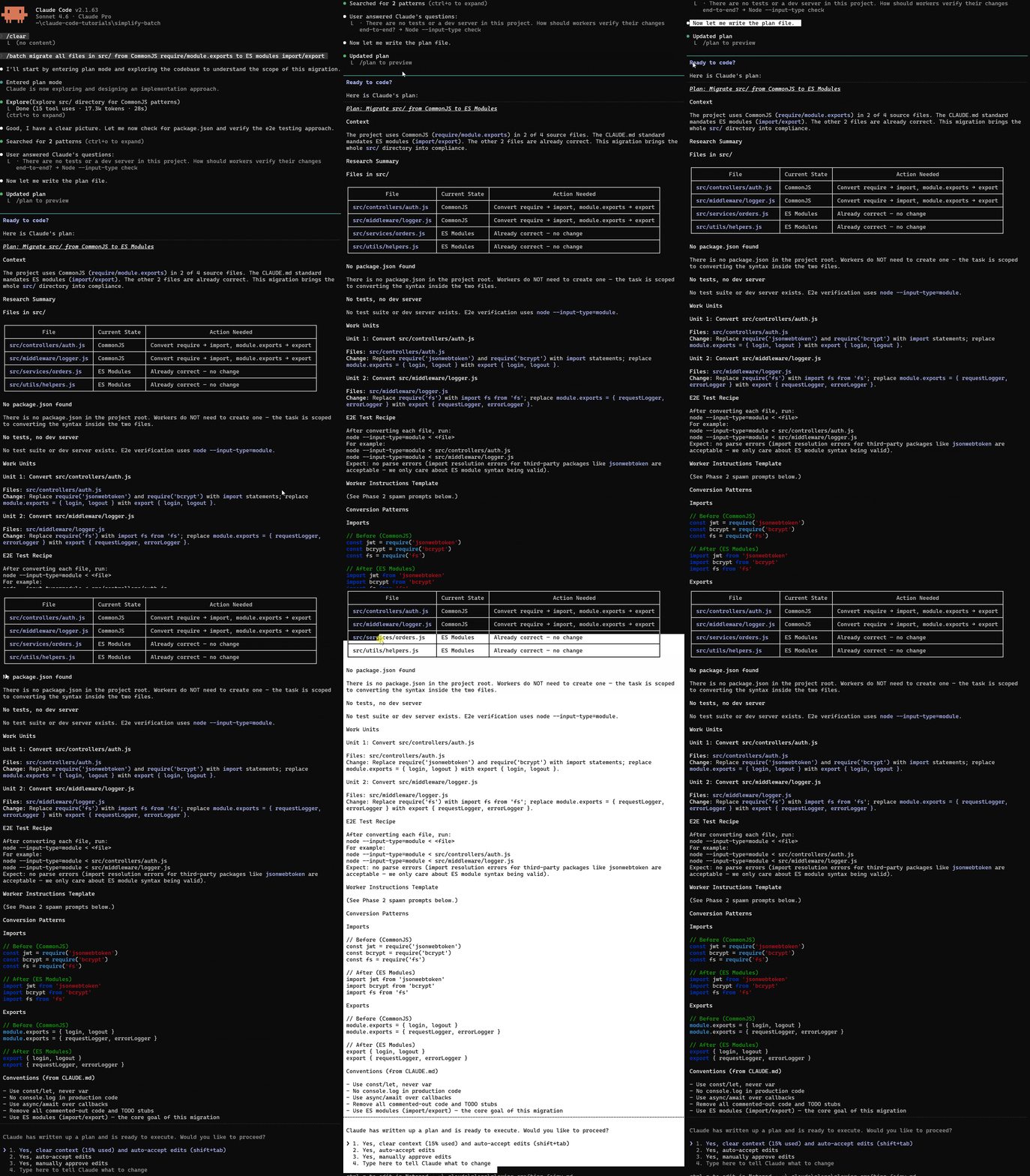
I tested both commands on a real project and documented everything — the setup, the results, and what Claude actually changed.
You can learn more here — How I’m Using Claude Code /simplify & /batch to x10 My Code Reviews
#2) Auto-Memory (MEMORY.md) — Claude Now Remembers Your Project
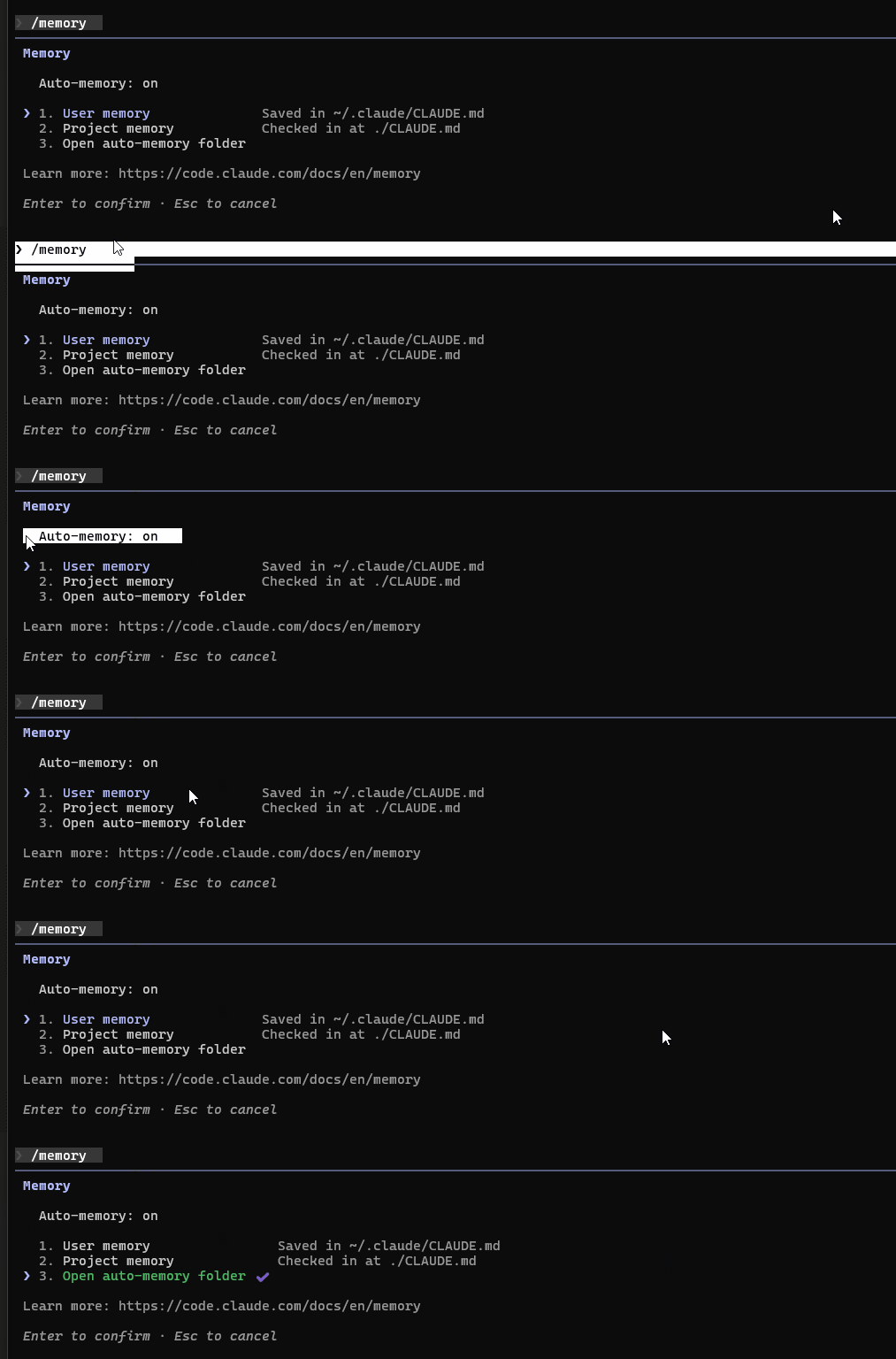
Claude now builds and maintains its own memory as it works with you, quietly taking notes on your build commands, code style, architecture decisions, and the bugs you solved together.
How It Works
Auto-enabled — No configuration needed, works out of the box
Claude writes it — You don’t touch MEMORY.md; Claude does
200-line limit — Only the first 200 lines load at session start
Where it’s located:
~/.claude/projects/<project>/memory/
├── MEMORY.md          # Main index, loaded every session
├── debugging.md       # Detailed debugging notes
└── api-conventions.md # API decisions
CLAUDE.md vs MEMORY.md — What's the Difference?

Both load at session start. Together, they give Claude full context before you start coding.
Managing Memory
Use the /memory command to:
Toggle auto-memory on/off
Open your memory folder
Access user and project memory files
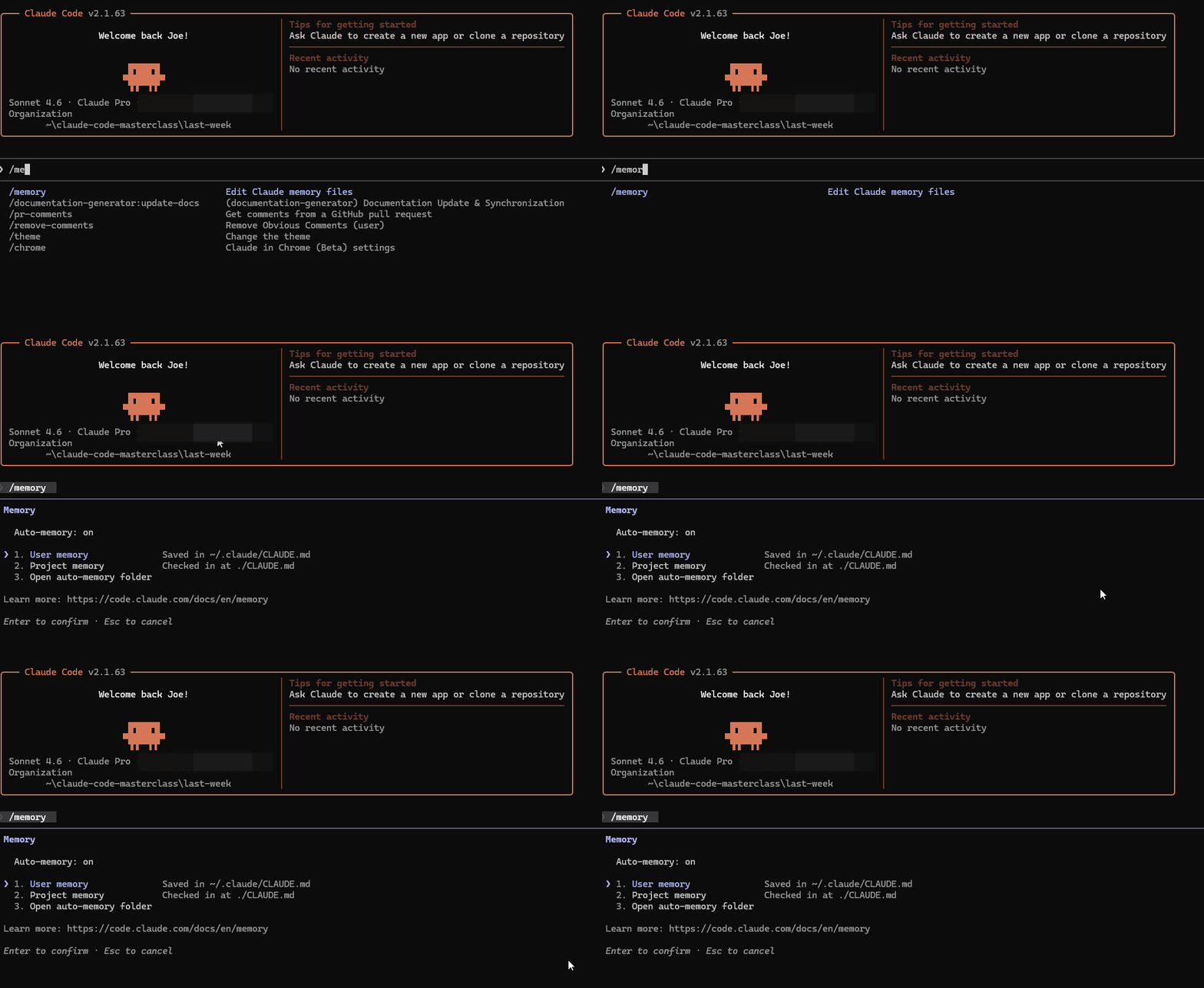
Turn It Off (If Needed)
// Disable for one project (.claude/settings.json)
{ "autoMemoryEnabled": false }

// Disable globally (~/.claude/settings.json)
{ "autoMemoryEnabled": false }

// Force off in CI environments
export CLAUDE_CODE_DISABLE_AUTO_MEMORY=1
I tested auto-memory from scratch — created a project, worked a session, closed it, and came back cold. Claude remembered everything.
You can learn more here — Anthropic Just Added Auto-Memory to Claude Code — MEMORY.md (I Tested It)
#3) Remote Control — Code From Your Phone
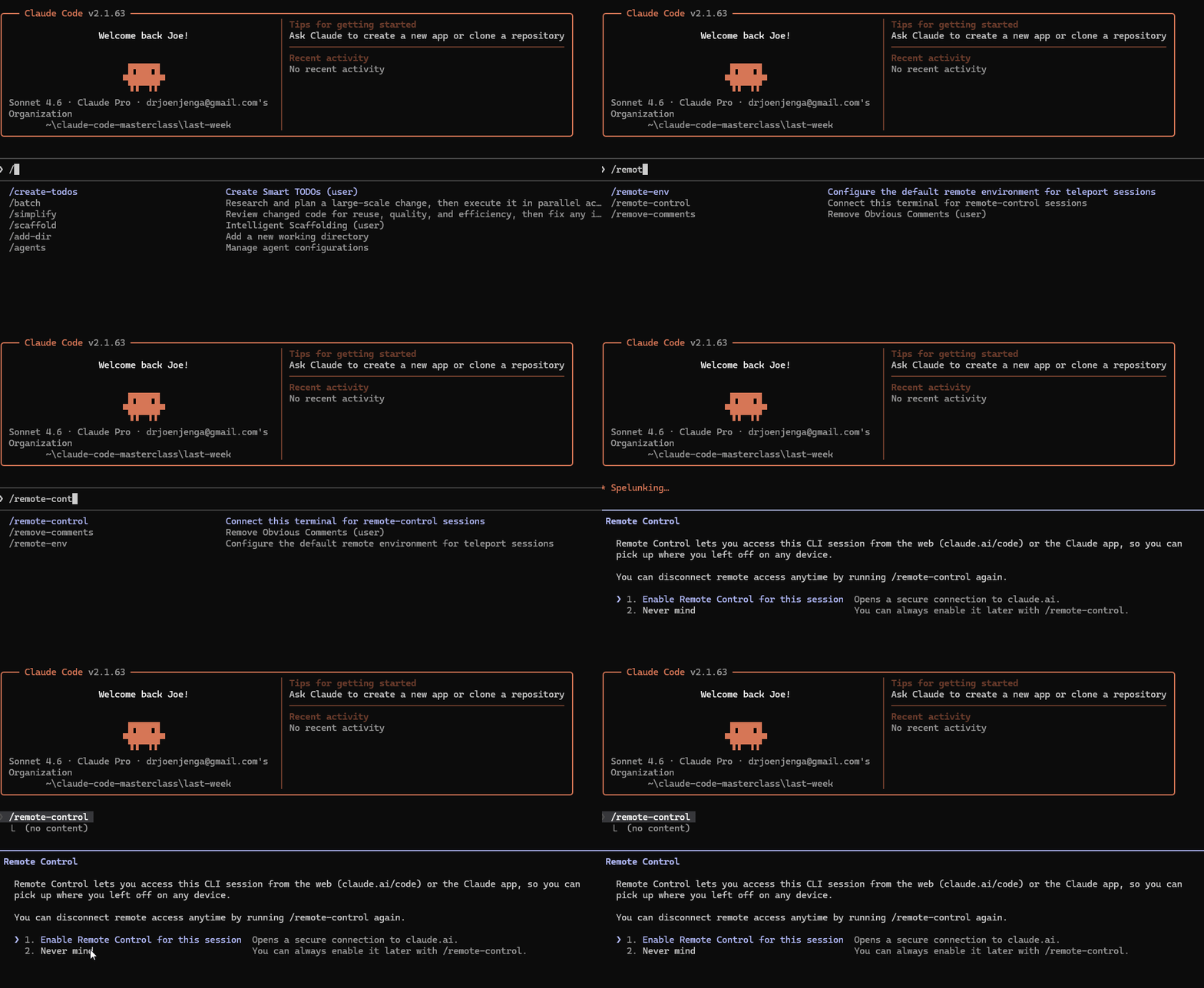
Control your local Claude Code session from any device — phone, tablet, or another browser.
Your laptop stays at your desk running Claude Code. Remote Control creates a secure connection so you can control that session from anywhere.
This is not Claude Code on the web (which runs in Anthropic’s cloud).
Remote Control runs on your machine:
MCP servers stay active
Project context stays intact
Your filesystem is fully available
All your tools and permissions persist
Three Ways to Connect
Session URL — Copy from terminal, paste in any browser
QR Code — Press spacebar in terminal, scan with Claude mobile app
Session List — Find it at claude.ai/code with a green status dot
Requirements
Pro or Max plan (not Team/Enterprise yet)
Authenticated via claude.ai (API keys won’t work)
Workspace trust accepted
I documented the setup, the flags, multi-device workflows, and managing multiple projects — so you’re ready when it rolls out to you.
You can learn more here — I Tried (New) Claude Code Remote-Control (Before You Waste Your Time)
Finally, this newsletter belongs to all of us. If there’s something that can make it better or something you don’t like, please let me know.
See you in the next issue of Last Week In Claude Code.
Claude Code Masterclass
Let’s Build It Together
— Joe Njenga

Claude code is gassed , who’s is the next disrupter in this space that’s not pushing enterprise ?
Can any of the .MD files be used with .local.md? This is MEMORY.local.md, does it work?